The CHRO Skill Stack (.md)
Make Claude your personal CHRO with this CHRO SKILL Stack.md. Build the board deck on Friday. Handle the CEO conversation.

READ TIME: 8 MINUTES
Every CHRO gets frustrated when this happens.
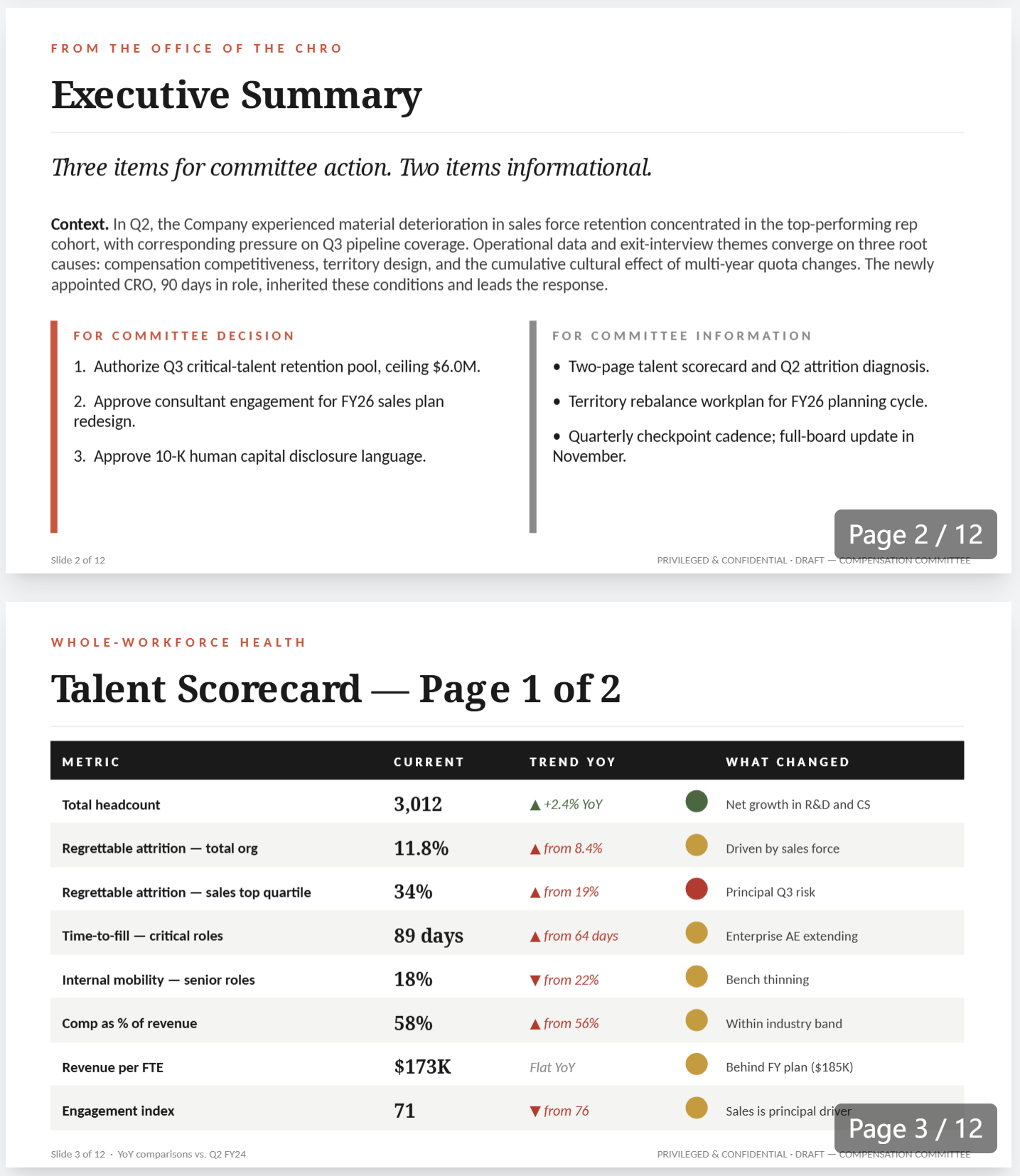
Wednesday morning. The board deck is due Friday. The CFO sent a one-line email at 6:47 last night: “we need to talk before Thursday.” The CRO is 90 days in and inherited a problem that’s not his. The comp chair is going to ask one question, and you don’t have the answer yet.
Tuesday afternoon. The CEO walks in and tells you he wants the CRO out by the end of the week. Before the board meeting. To get ahead of the attrition story. You think it’s the wrong call. The data points at the CEO’s narrative, not the CRO. But he’s already half-decided.
Sunday night. Comp committee tomorrow. The chair is a former PE operating partner who doesn’t repeat questions. The lead director has sat through two say-on-pay losses elsewhere. Your deck has to land in three minutes or it dictates the rest of the year.
This is where the seat actually lives. Not in the all-hands speeches. In the weeks when two clocks are running and nobody inside the company can help you with either of them.
I built something for those weeks.
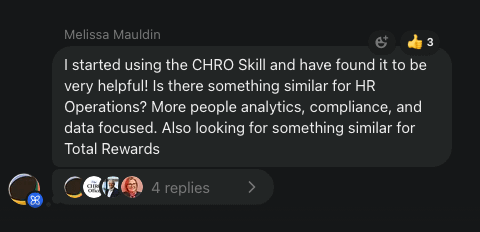
A few weeks back I shared the base CHRO skill.
The most consistent feedback was the same. One file is enough for tactical questions, not enough for the strategic moments. Board prep. RIF execution. The hard conversation with the CEO that has to happen before Thursday morning.
So with my team of engineers and creative research team, we spent the whole week building something that will solve every CHRO frustration.
The CHRO SKILL Stack.md
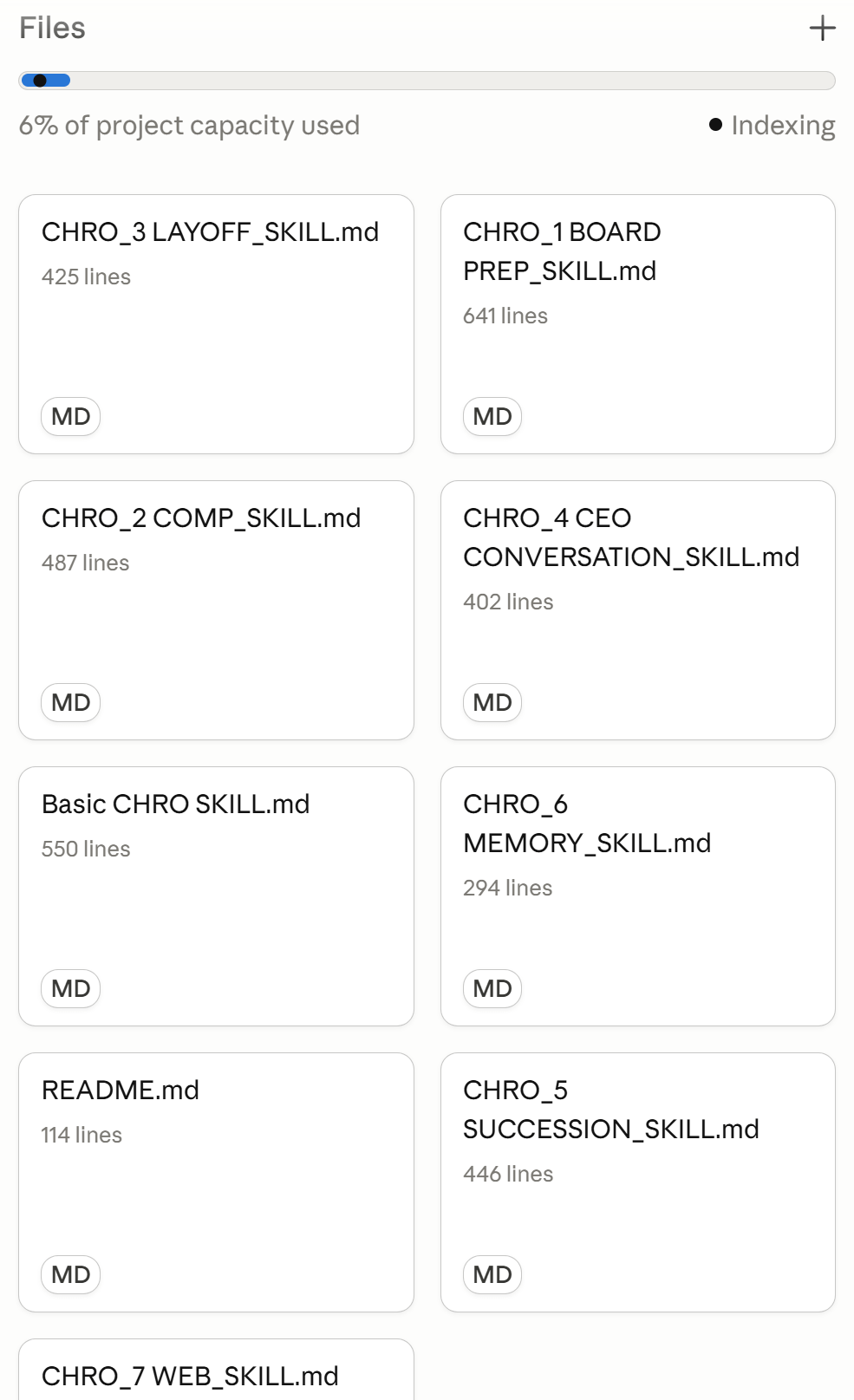
Install it once. Open Claude. Walk into the week with eight skills running underneath you. It pushes back when the framing is wrong. It asks questions back when the decision hinges on something you haven’t said. It gives a direct recommendation when the clock is ticking. It speaks the language of revenue, margin, comp committee, and TSR.
It won’t fabricate data or pretend a decision is easy when it isn’t.
Let me show you exactly how to install it and then walk through the real use case with the actual prompt I’d use.
Let’s dive in.
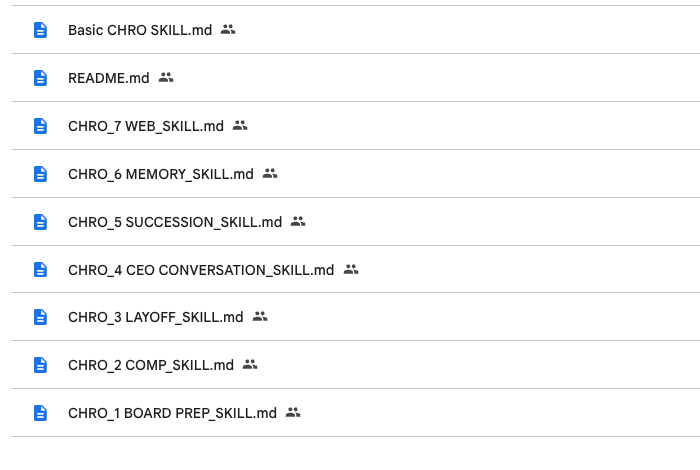
Step 1: Download the CHRO Skill Stack.md
The full stack is below for paid members. Eight markdown files (base CHRO skill + seven specialists) plus a README.
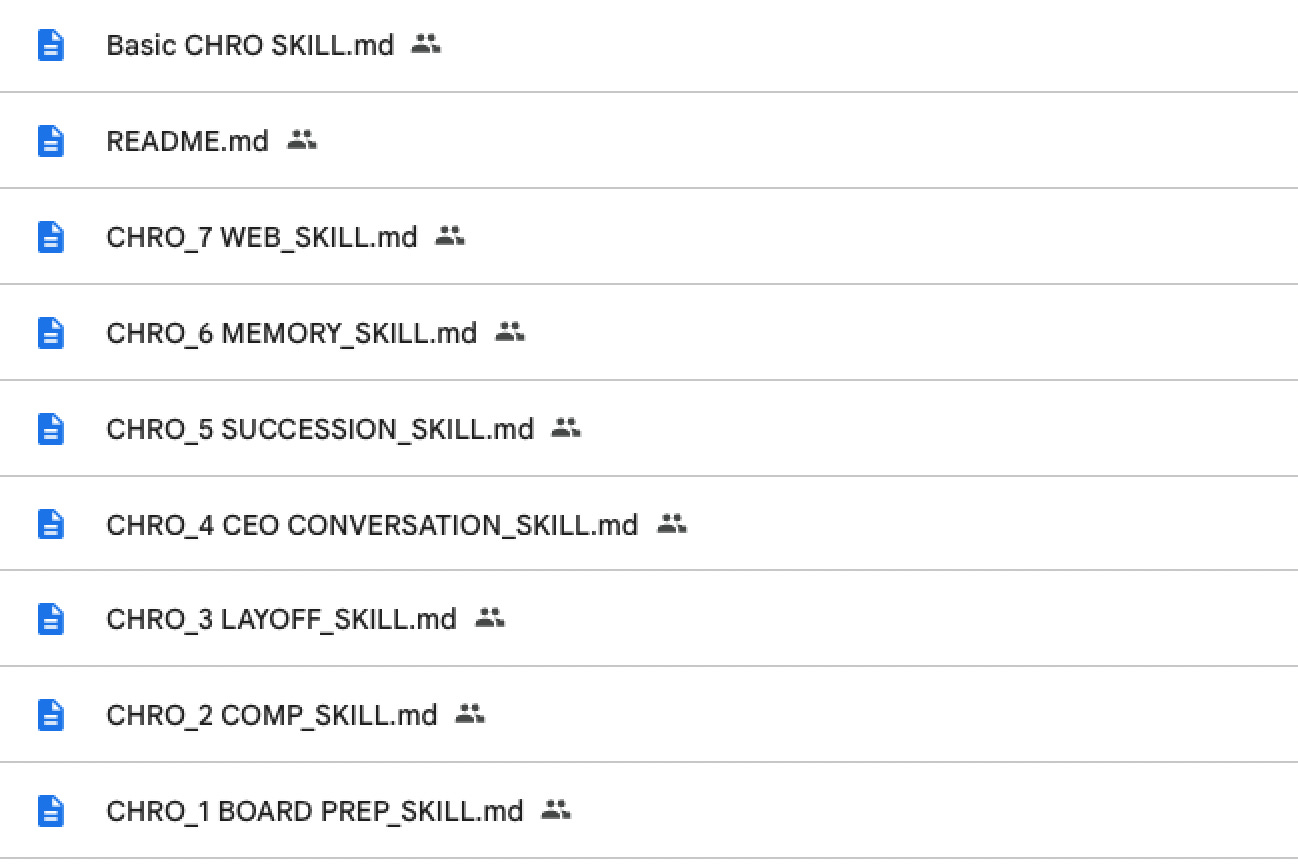
Total: about 61,500 words. You don’t need to read it. The stack holds it for you.
If you want to skim the README first (10 minutes), it gives you the routing logic which skill fires on which kind of question.
Step 2: Install it in Claude
Go to claude.ai. Click Projects in the left sidebar. Click New project.
Name it The CHRO Stack.
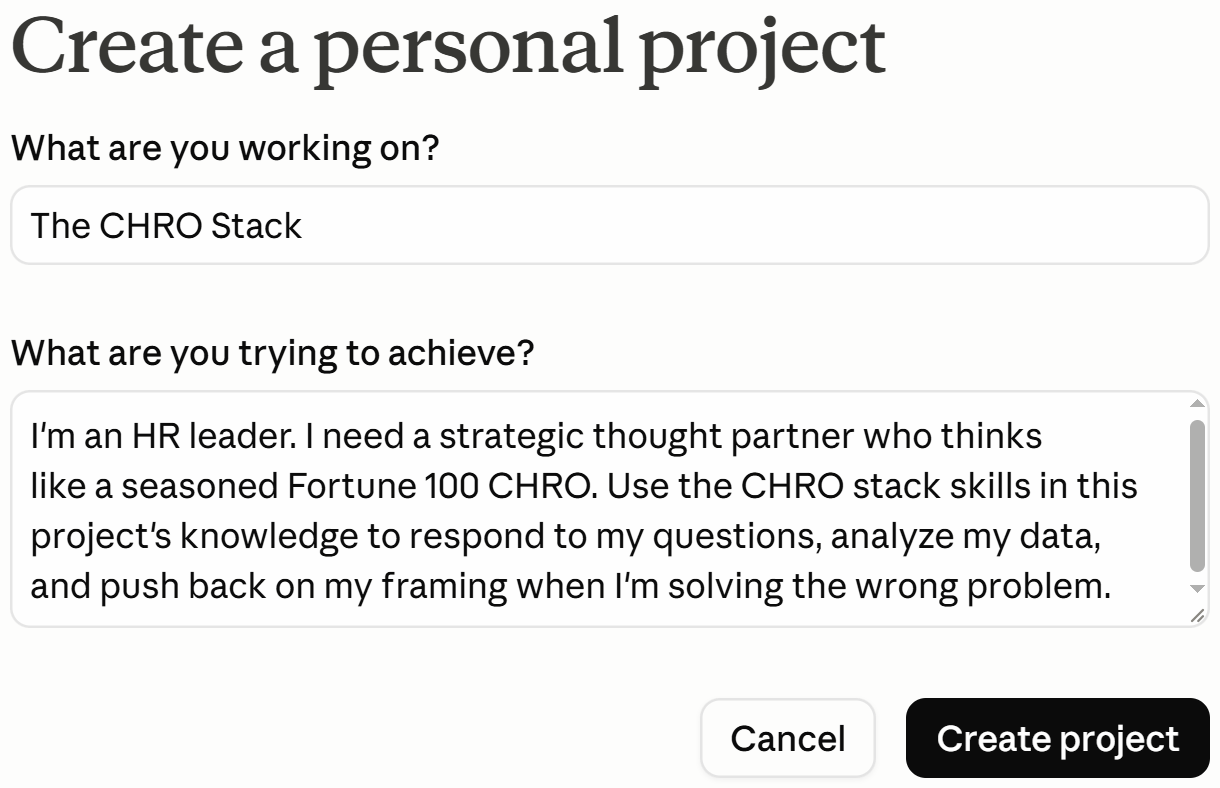
Tell Claude what you’re trying to achieve. Paste this:
I'm an HR leader. I need a strategic thought partner who thinks
like a seasoned Fortune 100 CHRO. Use the CHRO stack skills in
this project's knowledge to respond to my questions, analyze my
data, and push back on my framing when I'm solving the wrong
problem.
Click Create project.
Upload all eight SKILL.md files plus the README.md into the project’s Files.